Independent course · 36 guided steps · VEX V5
JAR From Zero
Set up VS Code, configure your real VEX V5 robot, and write your first autonomous routine with JAR Template.
 Zeus Learn
JAR From Zero VEX V5 36 guided steps
A practical path from a four-motor drivetrain to your first measured autonomous routine.
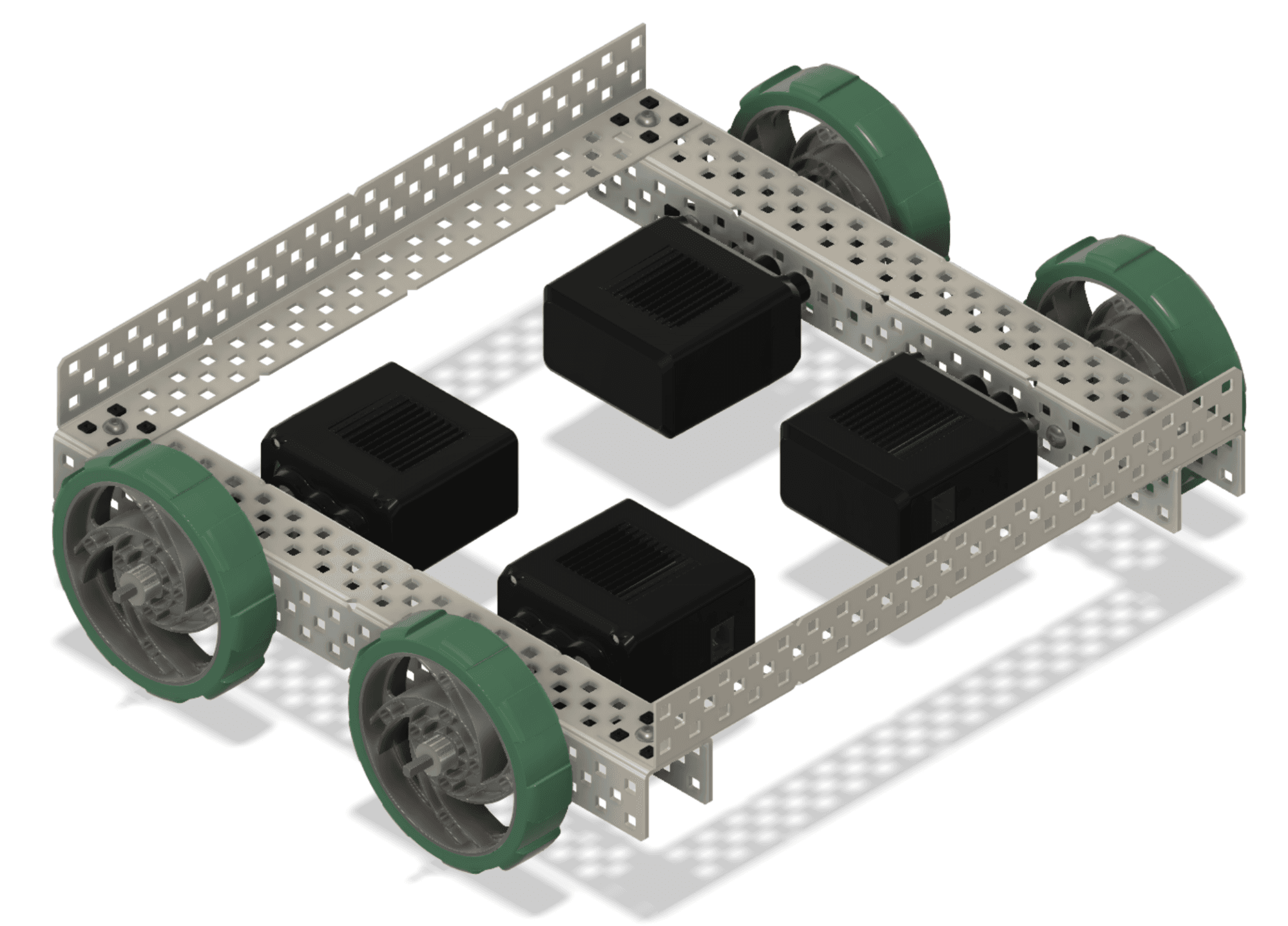
 Start with the drivetrain.JAR From Zero · VEX V5 / C++
JAR Template is a third-party VEX V5 library from Jackson Area Robotics. Zeus Learn's course is independent and is not affiliated with or endorsed by JAR Template or Jackson Area Robotics.
Courses
Learn the setup, code, and checks that make a VEX V5 drivetrain predictable before you ask it to do more.
Independent course · 36 guided steps · VEX V5
Set up VS Code, configure your real VEX V5 robot, and write your first autonomous routine with JAR Template.
Next in the sequence · Advanced VEX V5
Add localization, coordinate movement, sensors, and field-aware autonomous routines after the core course.
For instructors · Shared progress
Set up one team space, then send a single invite link.
The course path
Each unit turns one physical decision into a small, testable change. Keep the whole sequence in view, then work on the next useful thing.
Your course
0 of 36 JAR From Zero steps complete.
The supported path requires a VEX V5 robot with exactly four tank-drive motors, two per side, all using the same cartridge, and a mounted V5 Inertial Sensor. It finishes with a measured first drivetrain auton, not a scoring-mechanism routine.
For instructors
One team space, one invite link, and one place to see progress as the work gets underway.